


Find the best clips automatically
AI reviews your whole video and cuts its strongest moments into separate Shorts.
AI finds the best moments and captions them.
Then schedule every Short to
Made with ClipFlame
Podcasts, news, gaming, commentary, lessons and vlogs, each cropped and captioned by ClipFlame.
Features
ClipFlame does the cutting, cropping, captioning and posting, so you publish more Shorts in less time.
AI reviews your whole video and cuts its strongest moments into separate Shorts.
Each Short is cropped to 9:16 around the person talking. Two speakers get a split screen.
Word-by-word animated captions in 7 styles. Three of them use your brand colour.
Every Short comes with a title, caption and hashtags for each platform, based on what was said.
Pick a date and time, choose the platforms, and ClipFlame publishes the Short for you.
Upload your watermark and end card once, and they appear on every Short.
Trim the start or end, fix a caption word or switch the style. Re-rendering is free.
9:16 for Shorts, Reels and TikTok, plus 4:5 and 1:1 for feed posts.
ClipFlame detects the spoken language and captions it, or translates the captions into any of the other eight.
How it works
Upload one video. ClipFlame makes the Shorts and posts them on your schedule.
Drop in a video or audio file, or paste a Google Drive, Dropbox, Twitch or Kick link.
ClipFlame finds the key moments, crops them to 9:16 and adds captions automatically.
Set a time for each platform and ClipFlame posts it, or download every clip as a ZIP.
AI thumbnails
Add a photo of your face and screenshots from your video, say what you want, and ClipFlame designs thumbnails in the layouts top creators use. Or press Thumbnail on any of your clips.

 Your videoYour face, found in it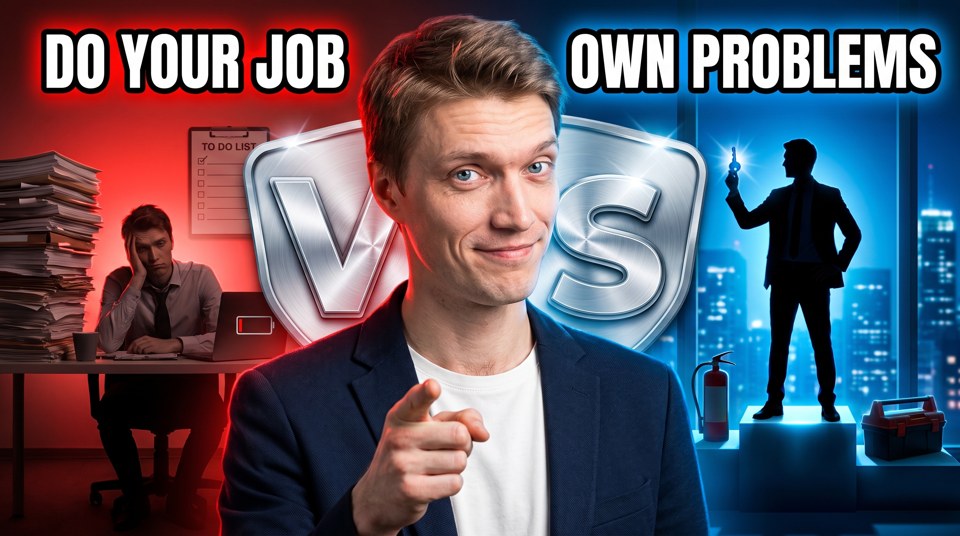
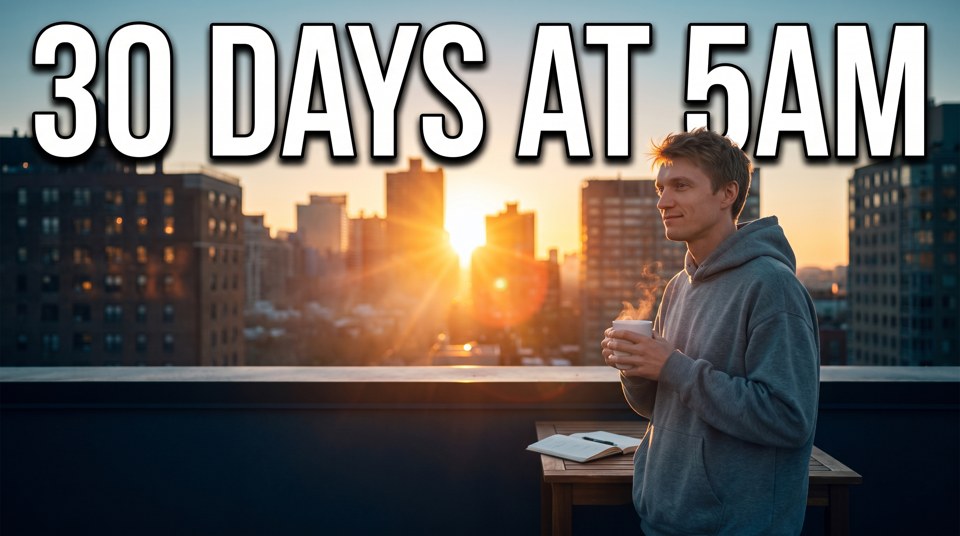


No photo shoot. Add a photo of you once and ClipFlame keeps your likeness in every design.
Talking head, podcast, before and after, big number, faceless and Shorts covers. Or let the AI Designer build one from your description.
Point at any part of a design and say what to change. Every edit is a new version you can go back to.
Turn the words on any design into editable text. Drag it, change the font, colour, outline and highlight.
Paste a YouTube link or upload a thumbnail you like. ClipFlame rebuilds its layout around you and your video.
Six expressions from happy to shocked, and six styles from editorial to CCTV footage, without a reshoot.
Who it's for
Works best on videos where people talk: podcasts, interviews, tutorials and talks.
Turn every episode into scroll-stopping clips for Shorts, Reels and TikTok. Pro covers 20 hours of episodes a month.
ClipFlame for podcastersFill your Shorts shelf with the best moments of videos you already made, and point viewers back to the full upload.
YouTube Shorts makerTurn talks, webinars and Q&As into clips that show what you know.
ClipFlame for coachesAlso for churches, educators, agencies, marketers, events, livestreamers and more. See all tools and use cases.
Pricing
Plans include hours of video each month, with scheduling on every plan. AI thumbnails are pay as you go. Your first 10 minutes of video and your first thumbnail credit are free.
No card needed
Try it freeFor agencies and teams
Contact usFailed jobs never count. Cancel any time. See how per-video pricing compares with Opus Clip and Vizard.
No card needed
Try for free$2.00 a credit, paid once
Get 5 credits$1.80 a credit, paid once
Get 10 credits$1.50 a credit, paid once
Get 20 creditsSeparate from any plan, no subscription. One credit makes two AI designs and two thumbnails cut from your screenshots. Each credit in a pack also adds 3 AI edits. If every AI design fails, the credit comes back. See how the AI thumbnail maker works.
FAQ
Upload the video file. ClipFlame's AI finds the viral-worthy moments, cuts them, frames the speaker for vertical and adds word-by-word captions. You download everything as one ZIP. Prefer to do it by hand? Our guide to turning a long video into Shorts covers each step.
Yes. The free trial schedules up to 10 posts, Starter 150 a month and Pro 750 a month. Pro runs up to 3 brands, each with its own accounts. Connect YouTube, Instagram, TikTok and Facebook, put each clip on the calendar with the title, caption and hashtags ClipFlame wrote for it, and ClipFlame posts it at that time. You can send one clip to several accounts at once, and disconnect any account whenever you like. Prefer to post yourself? Download the ZIP.
YouTube channels, Instagram Business and Creator accounts, TikTok accounts and the Facebook Pages you manage. Personal Facebook profiles and personal Instagram accounts can't be posted to by any app; switching Instagram to a free Creator account takes a minute.
Connect your TikTok account, then for each post choose who can watch and whether people can comment, duet or stitch. ClipFlame shows TikTok's music and branded content terms before it posts, as TikTok requires.
It shows on the calendar with the reason, such as an account that needs reconnecting. Fix it and send it again. Short network hiccups are retried on their own.
AI reads the whole transcript and looks for complete thoughts with a strong opening line: an opinion, a surprising number, a story with a punchline. Every clip has to make sense without the rest of the video.
Between 15 and 90 seconds, most of them 20 to 60. Each one starts and ends on a full sentence, so it works as a Short, a Reel or a TikTok. More on how long YouTube Shorts can be.
Yes. In the editor you can move the start and end, fix any word, change the caption style, and re-render. Re-renders are free.
Each upload uses as many minutes as it is long, so a 30-minute podcast uses 30 minutes. Starter includes 4 hours a month and Pro 20 hours. Failed jobs don't count. Unused hours don't roll over to the next month.
Arabic, Chinese and Japanese captions.
No. Upload the original video file, or paste a Google Drive or Dropbox link or a direct link to a video file. Once the clips are ready, here's when to post them.
Talking videos: podcasts, interviews, tutorials, coaching, commentary and vlogs. Clear speech gives the best clips.
English, Spanish, Portuguese, French, German, Italian, Dutch and Russian, plus Hindi. ClipFlame detects the spoken language on its own, and captions come out in that language. Arabic, Chinese and Japanese are next.
Only if you own it or have permission.
Your first 10 minutes of video are free. No card needed.
Find your viral moments free


 Your photos


 100K
100K


